
Take your first astrophoto with a DSLR or mirrorless camera
You don’t actually need a lot of complex kit in order to take your first astrophoto. If you have (or can borrow) a DSLR or mirrorless camera and lens, you’re most of the way there. Add a decent tripod and a wide-angle lens, and you’ve got enough to take some simple photos of star constellations, even from a city.
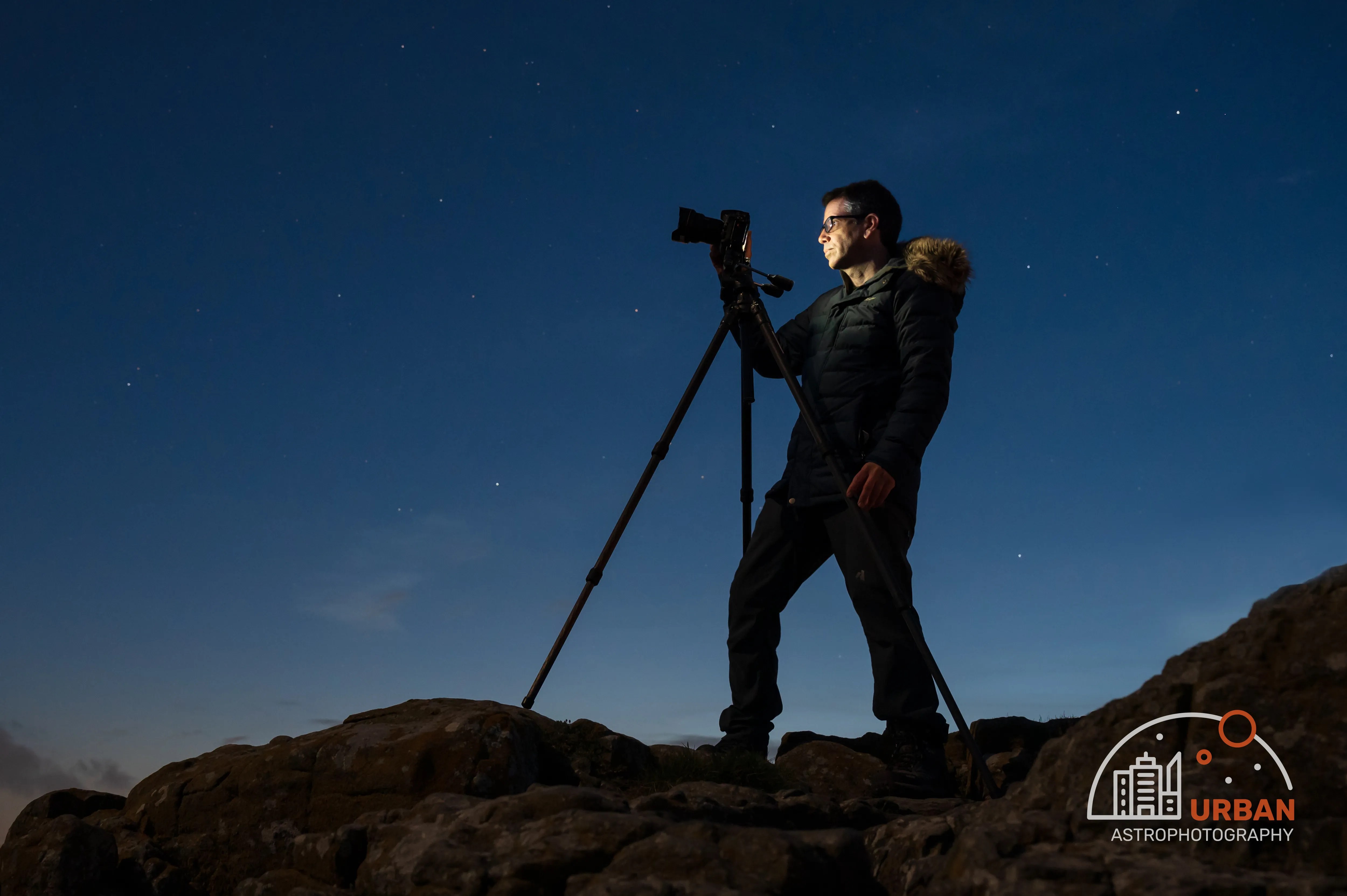
We’re starting with stars, constellations, and night-sky landscapes here, rather than close-ups of distant galaxies and nebulae. If you fancy trying deep-sky photography with a telescope later, this is a great way to dip your toe in and get comfortable with focusing, exposure, and finding your way around the sky.
But it doesn’t have to be a stepping stone. Plenty of people fall in love with astro landscape photography and happily stick with a camera and lens!
Start with a camera, a lens, and a tripod
For this first step we want to keep everything as simple as possible. Charge your camera battery, clear some space on the memory card, and practise changing the exposure settings and manual focus indoors during the day. It’s much easier to find the right buttons while you can easily see them and your fingers aren’t cold!
Use the camera’s self-timer or a remote release to avoid wobbling it. Use RAW if you’re going to edit your photos using software like Lightroom afterwards, and JPEG if you’re not.
Take your first photograph of the stars
- Set up securely. Put the tripod on firm ground, attach the camera, and compose a wide view. Check that nothing is likely to knock a tripod leg.
- Select manual exposure. Set your lens wide if you can (e.g. 24 mm), try an exposure time of 15 seconds, ISO 800, and the widest aperture available, such as f/2.8 or f/3.5. These are starting points, not magic settings.
- Focus on a bright star. Switch to manual focus, magnify the live view, and adjust until the star looks as small and sharp as possible. The lens’s infinity mark will get you close, but probably not spot-on.
- Take a test picture. Use the timer or remote release. Then zoom in on the result, rather than judging the little image on the back of the camera.
- Change one thing at a time. If stars are streaked, shorten the exposure. If they’re soft blobs, refocus. If the sky is washed out, reduce the exposure time or ISO.
The exposure you can use before star trails appear depends on the focal length, where you’re pointing, and how closely you inspect the result. Checking your own stars is more useful than treating a rule of thumb as a guarantee.
Check the brightness
The aim is to record the stars while keeping the sky brightness under control. A city sky won’t necessarily look black, and that’s to be expected.


If the image is too dark, try a longer exposure while watching for trails. Raising ISO can make the recorded image brighter, but it doesn’t make the lens collect more light. If the image is too bright, a shorter exposure or lower ISO may help.
Look closely at the stars
Trial and error is the way to go. These examples show what to look for. Select a photo to enlarge it.

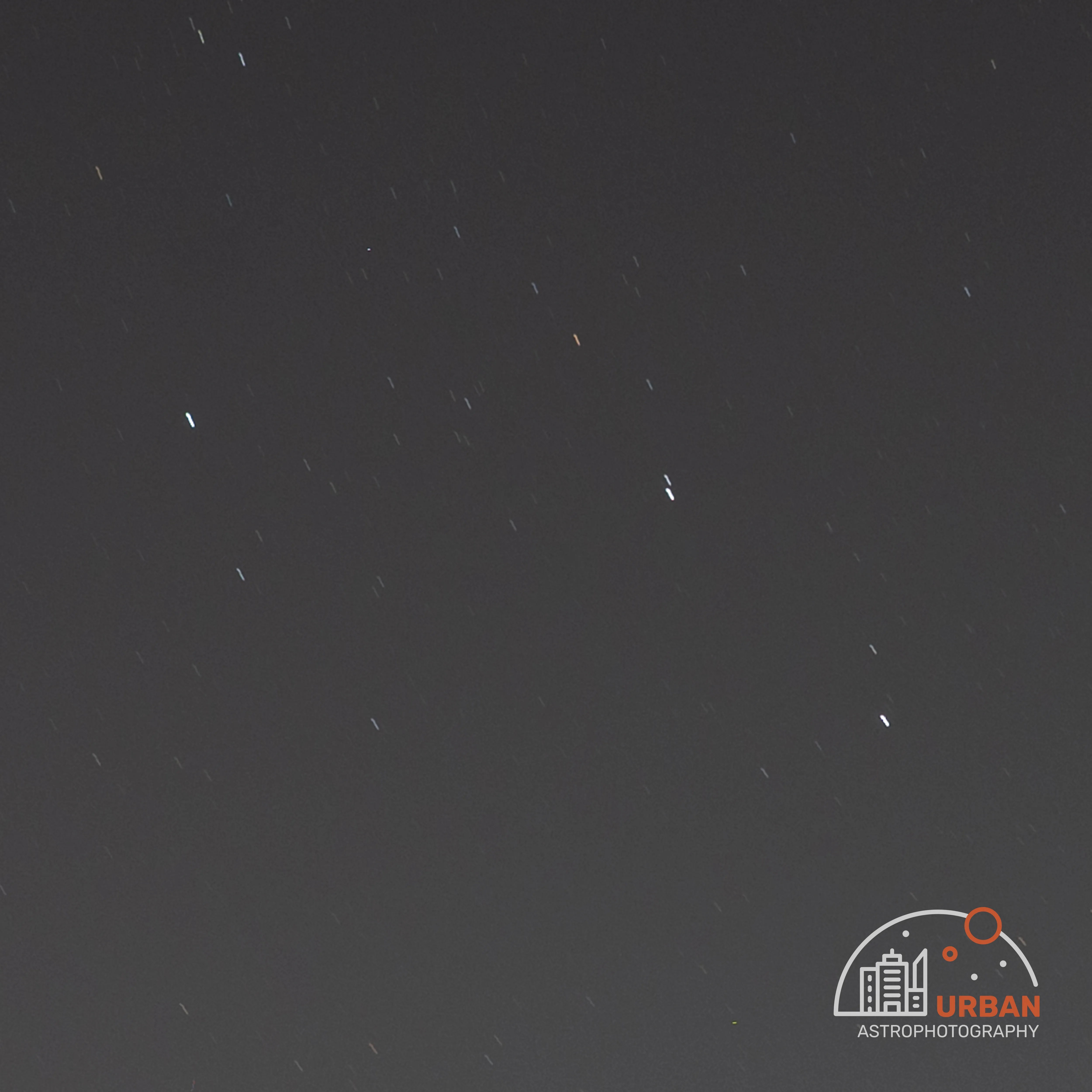


Check focus again if you change the zoom or accidentally touch the focusing ring. If stars look good in the centre but stretched at the edges, try closing the aperture by a stop and take another test.
If the stars gradually turn hazy or grow big halos, check for dew on the front of the lens. It can look like missed focus, but turning the focus ring won’t clear it. A lens hood can help delay it, and a suitable lens heater is handy on damp nights. Give the glass a chance to clear before carrying on.
A realistic first result
Noise is the grain and unwanted speckling in an image. Collecting more light can help, but with an untracked camera there’s a limit to how long you can expose before the stars trail. Simply lowering ISO without collecting more light won’t necessarily give you a cleaner photograph.

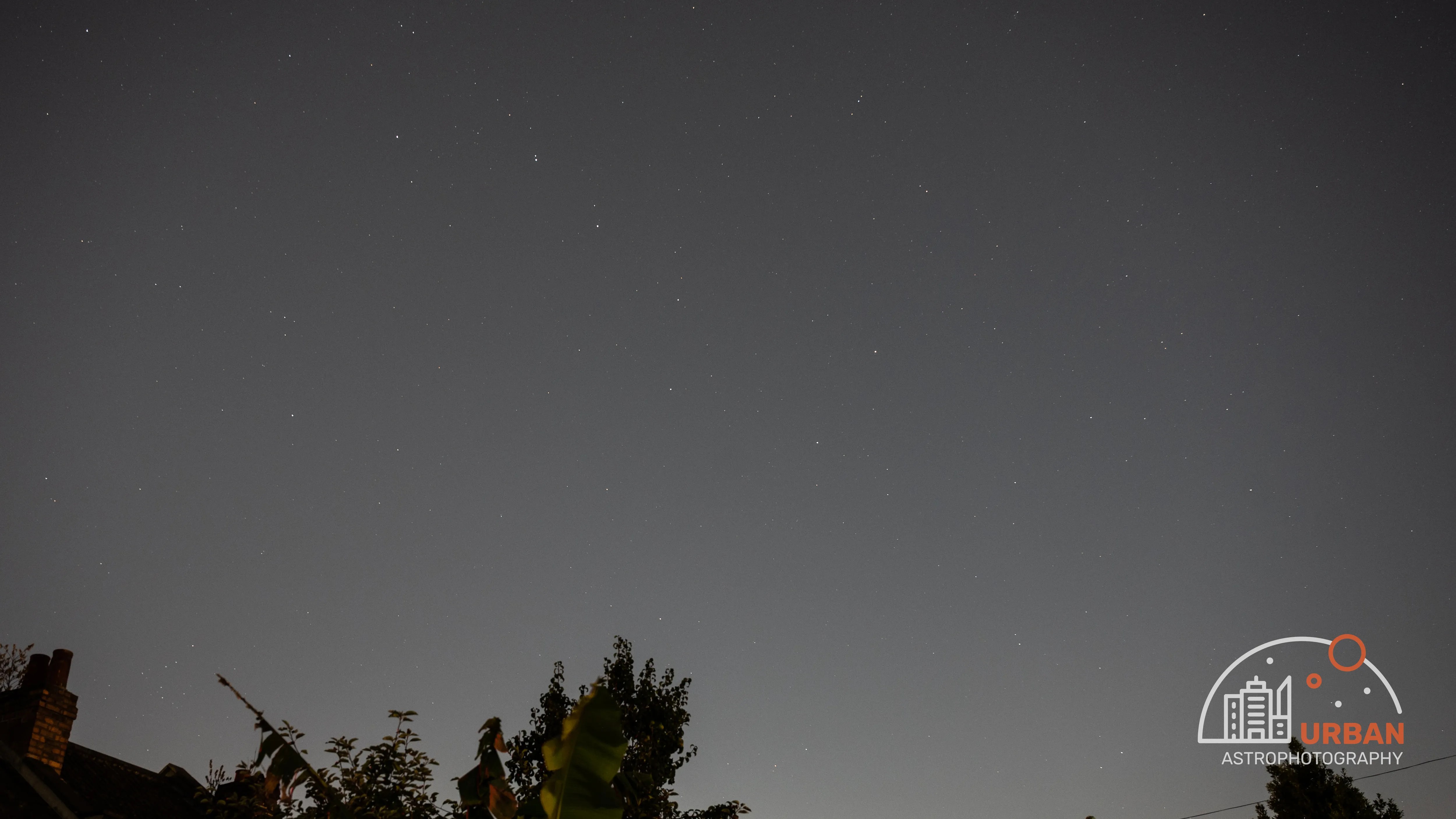
A successful first photo doesn’t have to be spectacular. If you can recognise the sky, the stars are sharp, and you know what to change next time, you’ve made a good start.
Give the stars a setting
Once the basics are working, include a landscape or something else interesting in the foreground. And, despite the theme of this site, I do actually recommend getting away from city lights for this type of astrophotography if you can. Darker skies make a big difference to faint star fields and Milky Way landscapes. These photos of mine were taken from darker locations.


You can also make star trails the aim of the photograph. Earth’s rotation draws arcs across the sky when enough time is recorded.

Practise at home, then take those skills somewhere darker if you can. A small tracking mount is another possible route for camera lenses, although it isn’t one I’ve personally pursued.
Process your photo
If you want to improve the quality of your photos, consider processing them using some photo editing software. There are lots available. I like Lightroom Classic, which I use a lot because I’m a professional photographer by day.
Here are some simple processing steps:
- Set the composition. Straighten the horizon if necessary and crop distracting edges.
- Adjust white balance. Try Temperature and Tint to reduce an unwanted colour cast. Avoid turning the whole sky an intense blue just because it feels more like night.
- Adjust brightness. Use Exposure to find a useful overall level, and check bright lights and stars for clipping.
- Refine contrast. Adjust Highlights, Shadows, Whites, and Blacks gently. Keep some detail in the darker sky rather than pushing it to solid black.
- Inspect at 100%. Apply some noise reduction and sharpening while watching the small stars. Too much can turn them into smudges or give them harsh edges.
- Export a copy. Save as a JPEG for sharing online.
There’s no single set of slider values that works for every image. Compare before and after, step away for a moment, and come back with fresh eyes.
Choose your next guide
Follow the route that suits your equipment and curiosity.
Want to see how it all fits together? My deep sky astrophotography overview for beginners follows the whole journey from planning to a finished photograph.

Get started with a smart telescope
Start photographing galaxies, nebulae, and star clusters with a smart telescope. Learn from my Seestar S50 sessions and realistic results under Bristol city skies.
Read the guide →
Build your first widefield rig
Build a first widefield astrophotography setup using the Svbony SV535 and Askar FRA400 as examples. Understand the mount, camera, filters, and first imaging session.
Read the guide →
Getting started with longer focal lengths
Explore the move to longer focal lengths with my Askar 130PHQ. Understand framing, guiding, focus, weight, and realistic first goals before changing your rig.
Read the guide →
Process your first astrophotos
Find a starting point for processing your images, with my PixInsight review, pre-processing guide, and target-by-target video walkthroughs.
Read the guide →Discover more from Urban Astrophotography
Subscribe to get the latest posts sent to your email.